Contents
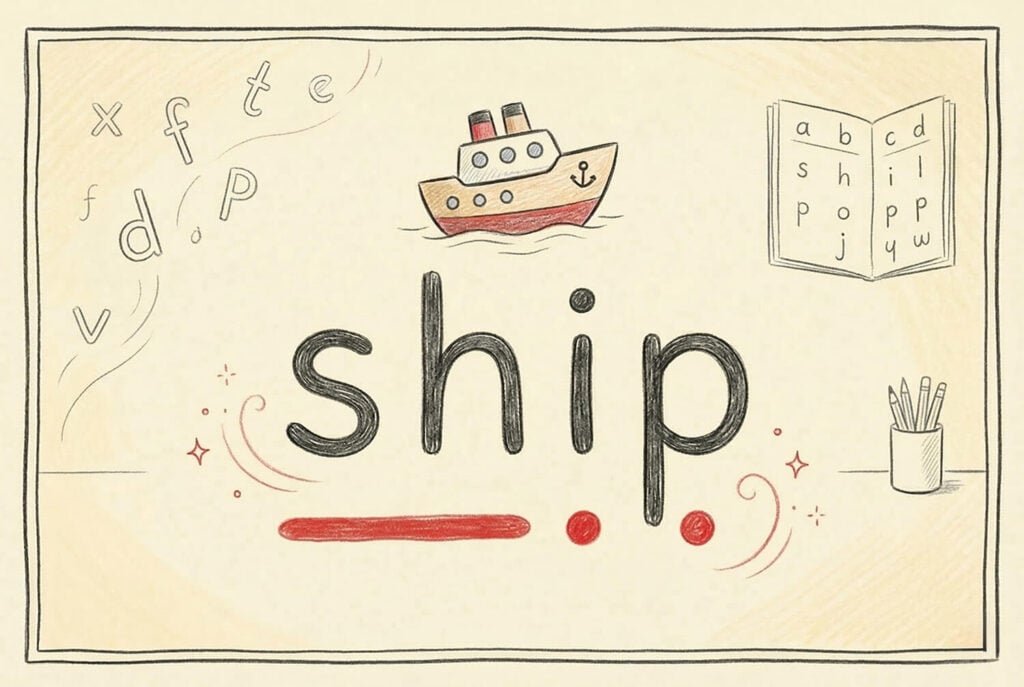
A sound button is a dot placed under each phoneme (individual sound) in a word, to help children see how many sounds the word contains before they try to blend or spell it. One button per sound — not one button per letter.
If you’ve watched your child tap or dot under words while reading and wondered what they’re doing, this is it. It’s a simple but effective technique taught in most UK phonics programmes, and it’s easy to use at home once you understand the principle.
Here’s how it works, how to do it correctly, and how it helps.
How sound buttons work
The key rule is: one button per sound, not one button per letter. In English, a single sound can be represented by one letter or by a cluster of letters (a digraph or trigraph), so the number of buttons in a word won’t always match the number of letters.
Some examples:
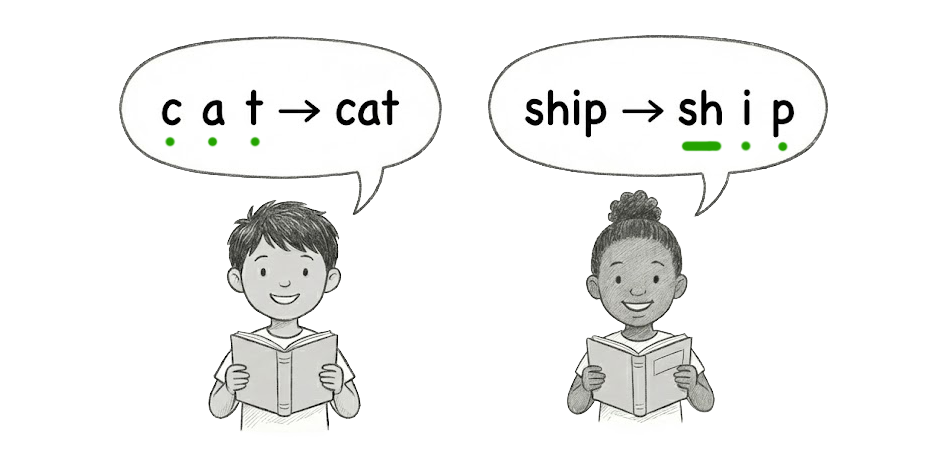
- cat has 3 letters, 3 sounds: c• a• t• — 3 buttons
- ship has 4 letters, 3 sounds: sh• i• p• — 3 buttons (the sh digraph counts as one)
- light has 5 letters, 3 sounds: l• igh• t• — 3 buttons (igh is a trigraph that makes one sound)
- jump has 4 letters, 4 sounds: j• u• m• p• — 4 buttons
Some schools add a variation: a dot for single-letter sounds and a line under digraphs and trigraphs (to show that those letters are grouped). Both approaches achieve the same thing — helping the child see the phoneme structure of the word.
Bite-sized reading tips, straight to your inbox
Get confidence-boosting tips to help your child learn to read. Short, useful, and easy to fit into (real) family life!
Even better? You'll also get 25% off your first month of Reading Chest.
Why sound buttons are useful
Sound buttons make the abstract visible. A word on a page looks like a sequence of letters. Sound buttons translate that into a sequence of sounds — which is actually how a child needs to think about the word in order to read or spell it.
For reading, adding sound buttons before blending helps a child plan the word: how many sounds do I need to blend? For spelling, it helps with <!––>segmenting<!––> — breaking the spoken word into its component sounds before writing each one down.
Children who struggle to blend often benefit from sound buttons specifically because they remove one layer of uncertainty: before the blending even starts, the child already knows the structure of the word.
If your child keeps trying to sound out digraphs letter by letter (saying s–h instead of sh), using sound buttons together is a good way to reinforce that those two letters are one sound. Put a single dot under the whole sh pair and say “one button, one sound.”
How schools use sound buttons
Sound buttons appear in most systematic phonics programmes in the UK, though the exact implementation varies. In some programmes they’re called “sound buttons” explicitly; in others, teachers may use tapping (one tap per sound) or finger spelling (one finger per sound) to achieve the same result.
In <!––>Read Write Inc<!––>, children use “Fred fingers” — holding up one finger per phoneme to count sounds before spelling. The principle is identical to sound buttons; it just uses fingers instead of marks on paper.
When your child’s teacher talks about “sounding out” a word in phonics, the underlying technique is usually something like sound buttons: identifying the phonemes one by one before putting them together.
How to use sound buttons at home
You don’t need any special materials — just a pencil and paper, or a whiteboard if you have one.
- Write a word clearly.
- Say each sound aloud as you add a dot (or line for digraphs) under each phoneme.
- Count the buttons together.
- Then blend the sounds to read the word (or, for spelling practice, add the sounds you’ve counted).
Start with simple <!––>CVC words<!––> where every letter is one sound (cat, dog, sit), then progress to words with digraphs once that’s comfortable.
This activity is a good way to build sound button skills in a hands-on way:
CVC word builder
Use letter cards to build simple three-letter words — consonant, vowel, consonant. Sound them out, blend them together, read the word. The basics, done brilliantly.
Goal
Practise blending CVC sounds into whole words — the foundation everything else builds on.
You'll need
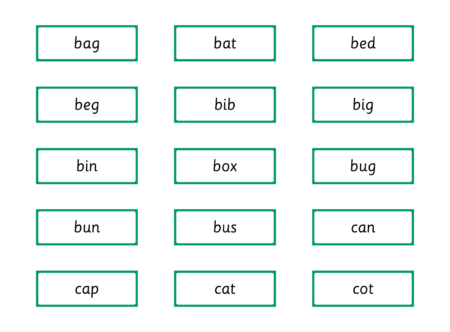
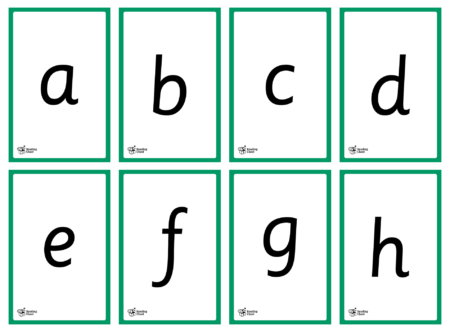
- CVC Word Cards
- Alphabet Flashcards (Lower Case)
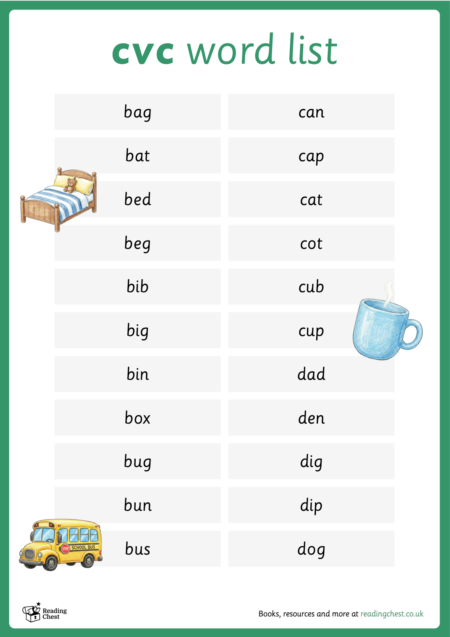
- Phonics CVC Words List
How to do it
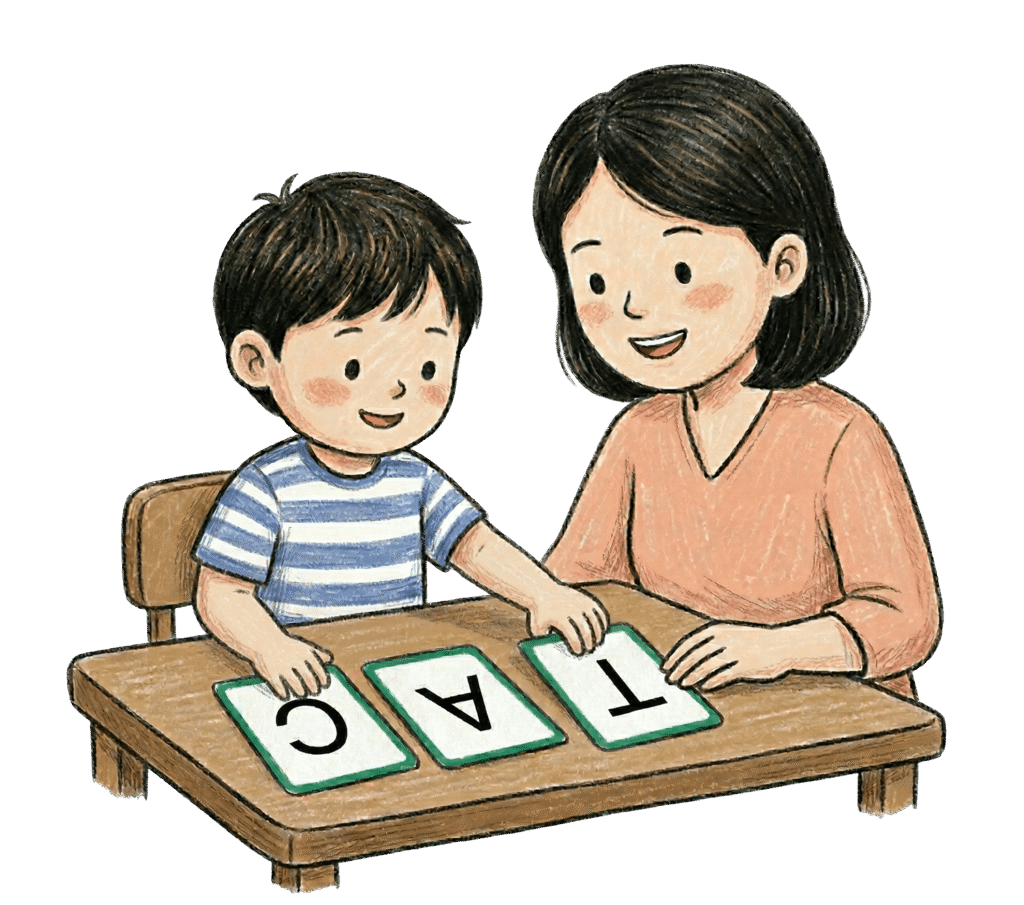
Pick a CVC word — "cat", "dog", "sit" are good starting points. Use the alphabet cards to find each letter. Say each sound as you place it: c... a... t. Then blend: "cat".
Let your child build the next one. You say the word; they find the letters and lay them out. If they get stuck on blending, try the slow-to-fast trick: sound it out like a robot, then speed up until it sounds like a real word.
Work through a few words from the cards or list. Keep sessions short — five or six words is plenty. The goal is confident blending, not endurance.
Grab our resources
Print our cvc word cards and alphabet flashcards (lower case) to get started.
Once your child is confident with CVC words, this one adds consonant clusters at the end:
CVCC add-a-sound
Take a simple CVC word like "cat" and add a sound to the end — "cats", "camp". A small change that opens up a lot of new words.
Goal
Build awareness of final consonant clusters by showing how adding one sound changes a word — and builds a bigger reading toolkit.
You'll need
- CVC Word Cards
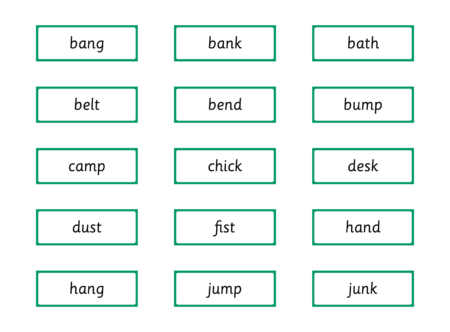
- CVCC Word Cards
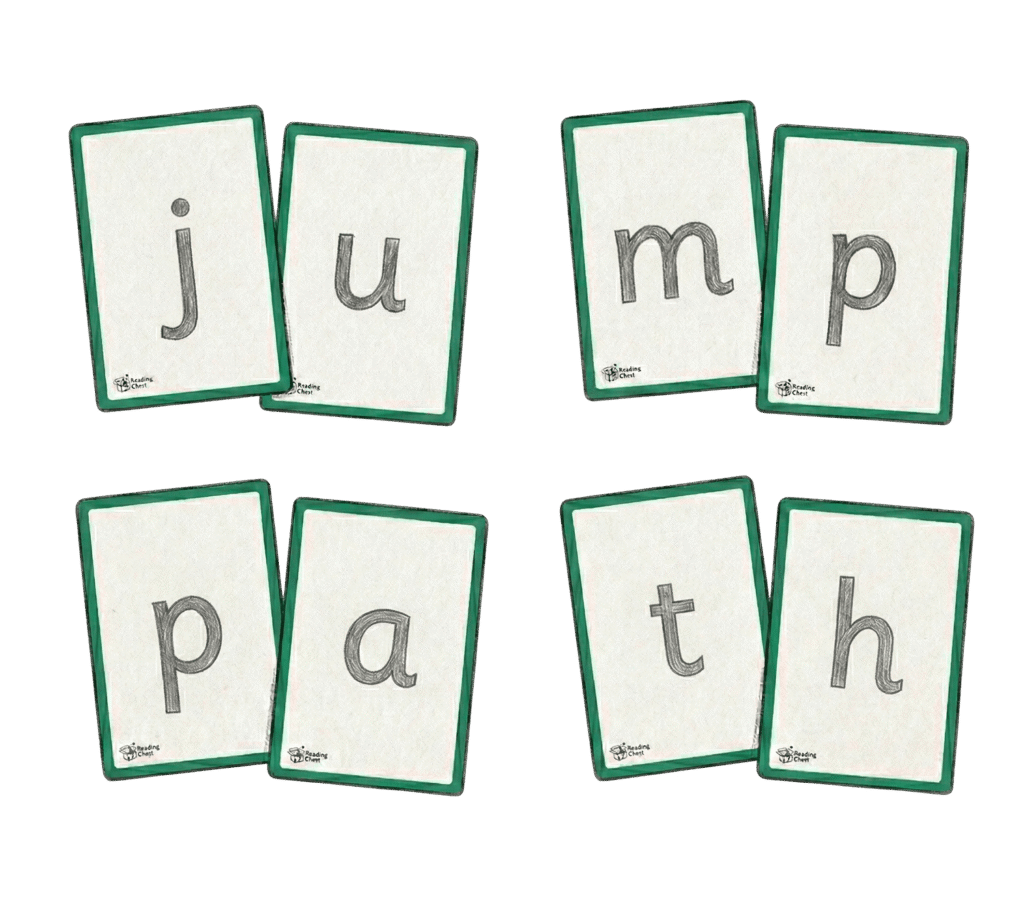
- Alphabet Flashcards (Lower Case)
How to do it
Start with a CVC word — "cat", "dog", "pin". Read it together. Now add one more sound at the end: s makes "cats", p makes "camp", d makes "wind". Say the new word slowly, then blend it.
Use the alphabet cards to physically add the new letter to the end of the word. That visual of the word growing is really helpful for some children — they can see and hear the change at the same time.
Try a few from the CVCC word cards. Keep it playful: "What if we add this sound? What word do we get?" Discovering the answer together is the whole point.
Grab our resources
Print our cvc word cards and cvcc word cards to get started.
Frequently asked questions
How many sound buttons does “shop” have?
Shop has 3 sound buttons. Even though it has 4 letters, the sh digraph counts as one sound, so the phoneme sequence is sh–o–p — three sounds, three buttons.
What’s the difference between a sound button and a tap?
They’re the same idea, just different physical actions. Tapping is the spoken/gestural version (one tap per phoneme while saying the word) and sound buttons are the written version (one dot per phoneme under the word). Many teachers use both — tapping during oral work, sound buttons during reading and writing activities.
Do all phonics programmes use sound buttons?
Most systematic phonics programmes use some form of phoneme marking, though the exact format varies. Read Write Inc uses “Fred fingers”; other programmes use dots, dashes, or tapping. The underlying concept — one mark or gesture per phoneme — is consistent across approaches.
My child’s school uses lines as well as dots — what does that mean?
A dot under a single-letter sound and a line under a digraph or trigraph is a common variation. The line shows that the grouped letters are one sound, not separate sounds. The principle is the same either way: one mark per phoneme.
