
Contents
Digital literacy is the ability to use digital technologies effectively, safely, and responsibly. A digitally literate person can find information online, evaluate its reliability, communicate using digital tools, and understand the implications of their own digital footprint.
For children growing up with tablets in nursery and coding in Year 1, digital literacy can sound like something they’re already absorbing. But using digital technology and understanding it critically are two different things — and the latter requires deliberate development, not just exposure to devices.
Here’s what digital literacy means in practice, what the national curriculum covers, and how to support it at home.
What digital literacy actually covers
Digital literacy is an umbrella term covering a wide range of skills and knowledge. The main areas include:
- Finding and evaluating information: searching effectively, judging the reliability of sources, and recognising misinformation
- Communication and collaboration: using digital tools to communicate clearly and respectfully, and understanding the norms of different platforms
- Creating digital content: using software to produce documents, presentations, images, video, code, and other forms of digital output
- Online safety and privacy: understanding how personal data is collected and used, what online safety risks exist, and how to manage them
- Critical thinking about technology: understanding how algorithms work, why platforms are designed the way they are, and the broader implications of digital systems
These skills develop progressively. A Year 1 child’s digital literacy looks very different from a Year 6 child’s — and both look different from what’s expected at secondary level.
Bite-sized reading tips, straight to your inbox
Get confidence-boosting tips to help your child learn to read. Short, useful, and easy to fit into (real) family life!
Even better? You'll also get 30% off your first month of Reading Chest.
Digital literacy in the national curriculum
Computing is a statutory subject throughout primary school, and digital literacy sits alongside computer science and information technology as one of its three core strands. From KS1, children learn about online safety, responsible use of technology, and how to evaluate digital information. By KS2, this extends to understanding how search results are generated, how personal data is collected and used, and more complex questions about digital wellbeing.
The PSHE curriculum also touches on digital literacy through online relationships, screen time, and digital footprints. Many schools supplement statutory provision with programmes like Google’s Be Internet Awesome, the UK Safer Internet Centre’s resources, or the NSPCC’s Share Aware materials.
Digital literacy vs media literacy
These terms are sometimes used interchangeably, but there’s a useful distinction. Digital literacy is concerned with the practical skills of using technology — how to use a device, find information, communicate online, stay safe. Media literacy is more specifically about critical engagement with media content — understanding who created something, why, and what effect it’s designed to have.
Both are important, and they overlap considerably in practice. A child who is digitally literate but not media literate might navigate devices confidently while being uncritical about what they consume. Our guide to media literacy covers the content side of this in more detail.
How to support digital literacy at home
Supporting digital literacy at home doesn’t require specialist knowledge — it’s mostly about developing good habits and encouraging critical questions.
Make internet use a shared activity. Sitting alongside your child when they’re searching or watching gives you natural opportunities to ask questions: “How do we know that’s right?”, “Who made this website?”, “What is this app trying to get us to do?”
Talk about data and privacy. From a young age, children can understand that apps and websites collect information about how they’re used — and that this information has value. Simple conversations (“Why do you think that advert appeared there?”) build awareness gradually.
Model good practice. Children notice how adults use technology. Checking sources before sharing something, pausing before clicking, and being selective about personal information online all model the behaviours you’re trying to develop.
Treat mistakes as learning. Digital literacy includes making mistakes: sharing something you regret, trusting an unreliable source, falling for a misleading claim. How adults respond to those mistakes matters. Criticism that makes children feel foolish tends to produce shame and secrecy rather than better judgement.
The connection to reading
Digital literacy is, in significant part, a literacy skill. Evaluating the reliability of a website, understanding the purpose of a text, interpreting statistics in a news article — these are reading comprehension skills applied in a digital context.
Children who are strong readers tend to transfer those critical thinking habits to digital content more readily.
The reverse is also true: children who practise evaluating purpose and perspective in books and texts are building exactly the analytical skills that digital literacy requires. A habit of asking “Why did the author write this?” or “Whose point of view is missing?” transfers directly from story comprehension to news literacy.
Try these activities
This activity builds critical thinking about narrative choices and perspective — skills that apply equally to books and to digital content:
Stop-the-story choices
Pause mid-story and ask: what do you think will happen next? Read on and find out whose guess was closest. Keeps minds engaged right through to the last page.
Goal
Practise predicting and thinking ahead while reading — building comprehension and keeping attention right where it should be: on the story.
You'll need
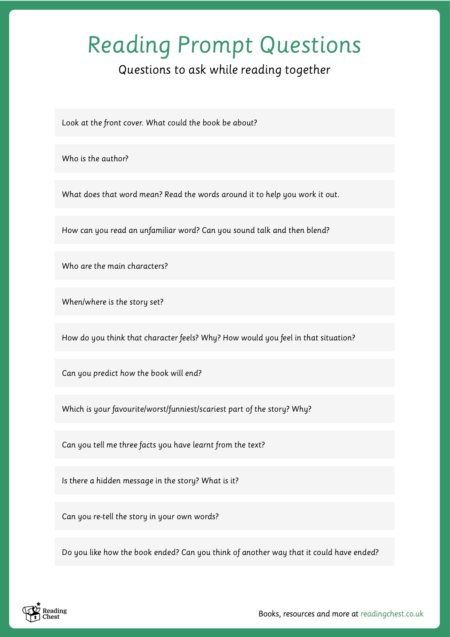
- Reading Prompt Questions
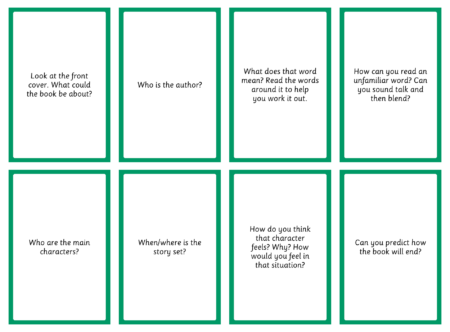
- Reading Prompt Cards
How to do it
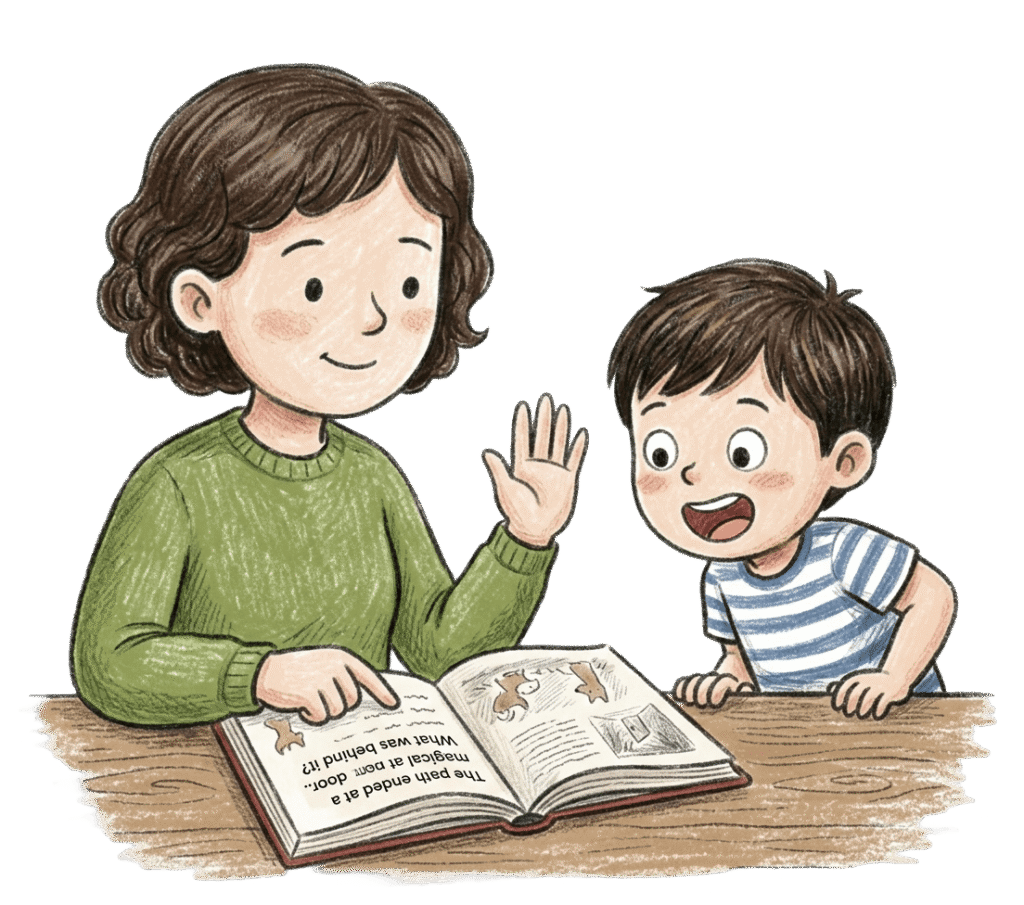
Read together until you hit a turning point — a cliffhanger, a choice, a moment of tension. Stop. Ask: "What do you think happens next?" Let them share their idea, however far-fetched.
Use the prompt cards if you need a nudge: "Why did they do that?" or "What would you do in their position?" Then read on and find out.
When the real outcome arrives, compare it to their prediction. "You were almost right!" or "Nobody saw that coming!" are equally good reactions. The habit of thinking ahead while reading is one of the most useful comprehension skills there is — and this is how it gets built.
Grab our resources
Print our reading prompt questions and reading prompt cards to get started.
And this one develops the habit of actively engaging with a text before and after reading — a foundational comprehension skill that underpins all forms of information literacy:
Before and after reading
One question before you open the book. One after you close it. That's it — but it shifts everything from just decoding words to actually thinking about them.
Goal
Help your child get more from every reading session by tuning in to meaning, not just getting through the words.
You'll need
- Reading Prompt Questions
- Reading Prompt Cards
How to do it
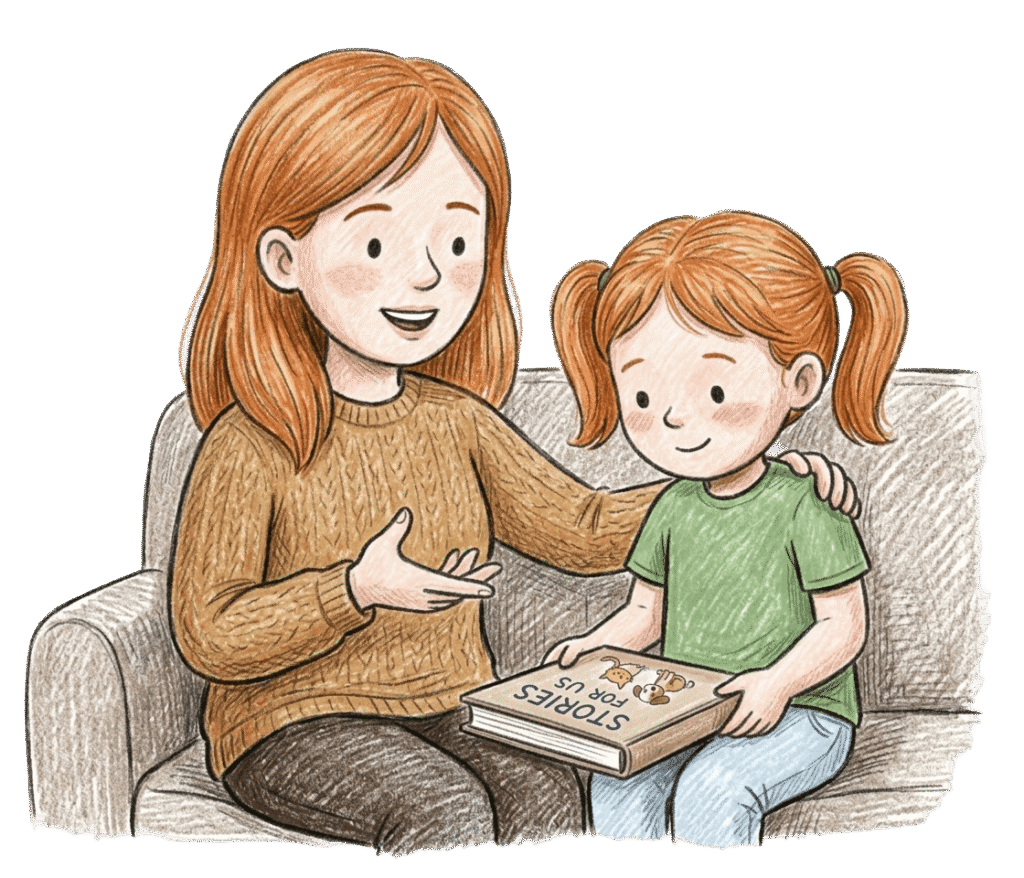
Before you open the book, ask one simple question: "What do you think this might be about?" or "What do you notice on the cover?" That's all — don't overthink it.
Read together. When you finish, ask one follow-up: "What was your favourite part?" or "What would you do if you were that character?" Use the prompt cards if you want more ideas.
Keep it brief. You're not running a comprehension test — you're just helping them connect with what they've read. That habit of pausing to think is one of the most useful things a reader can learn.
Grab our resources
Print our reading prompt questions and reading prompt cards to get started.
Frequently asked questions
Is digital literacy just knowing how to use a computer?
No — though that’s part of it. The technical skill of using devices and software is sometimes called “basic digital skills” or “digital fluency,” and it’s a foundation. Digital literacy goes further: it includes the ability to find and evaluate information critically, communicate safely and responsibly, understand how data is collected and used, and engage thoughtfully with the digital world. Many children are technically confident on devices but lack the critical awareness and safety knowledge that fuller digital literacy includes.
What digital literacy skills should a primary school child have?
By the end of KS1 (Year 2), children are expected to understand what personal information is and why it should be kept private, how to behave respectfully online, and the basics of how digital devices and networks work. By the end of KS2 (Year 6), they should be able to search effectively, evaluate digital sources critically, understand how data is collected and used, and have developed habits of online safety. In practice, there’s wide variation — some children arrive in secondary school with strong digital literacy, others with very limited awareness beyond basic device use.
Should children have unsupervised internet access to develop digital literacy?
This is a judgement that depends on the child’s age and maturity. Supervised use with gradually increasing independence is the approach most digital literacy educators recommend: total restriction deprives children of the chance to develop the skills they need, but unrestricted access without adult involvement means mistakes happen without the chance to learn from them. Most children benefit from a staged approach — filtering and parental controls in the early years, relaxing gradually as children demonstrate good judgement, with ongoing conversation throughout.
Are there good resources for digital literacy at home?
Google’s Interland (part of the Be Internet Awesome programme) is a free game teaching online safety and digital citizenship for children aged 7–12, and it’s genuinely engaging. The NSPCC’s Share Aware resources are well-designed for families. Childnet International and the UK Safer Internet Centre both provide practical, parent-focused guides for supporting children’s digital literacy at different ages. Most are free and take the form of activities and conversations rather than rules and restrictions.
